Bulk Tasks and File Exports
What Are Bulk Tasks and File Exports
Bulk Tasks and File Exports handle many card operations or large data downloads at once. For example, deleting 50 cards for departed employees or exporting all card transaction details for the previous month will be processed asynchronously as a Bulk Task.
Why Asynchronous Processing Is Used
Bulk operations and large exports may involve substantial data. Asynchronous processing avoids long waits or page timeouts. After submission, you can leave the page, check progress in the Task Center, and download the result or error file when complete.
How to Use Bulk Tasks and File Exports
Bulk Tasks
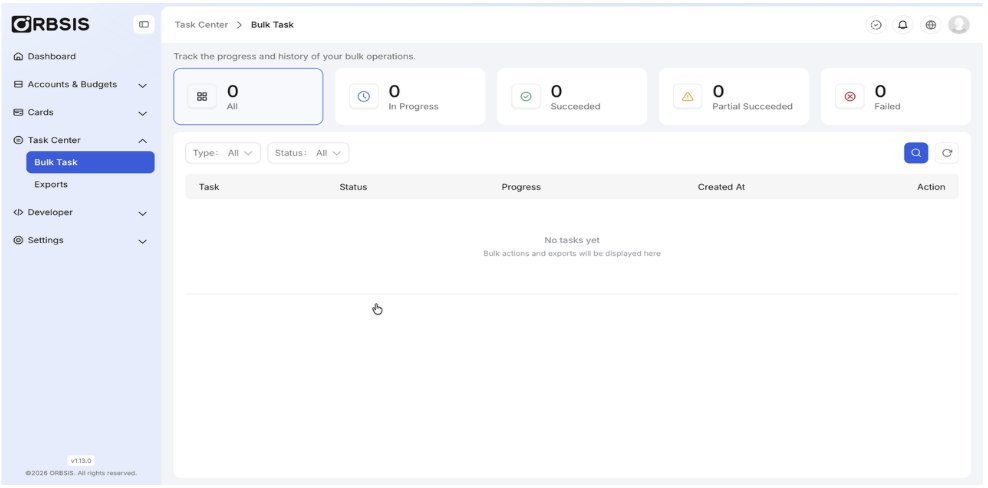
Bulk Task List
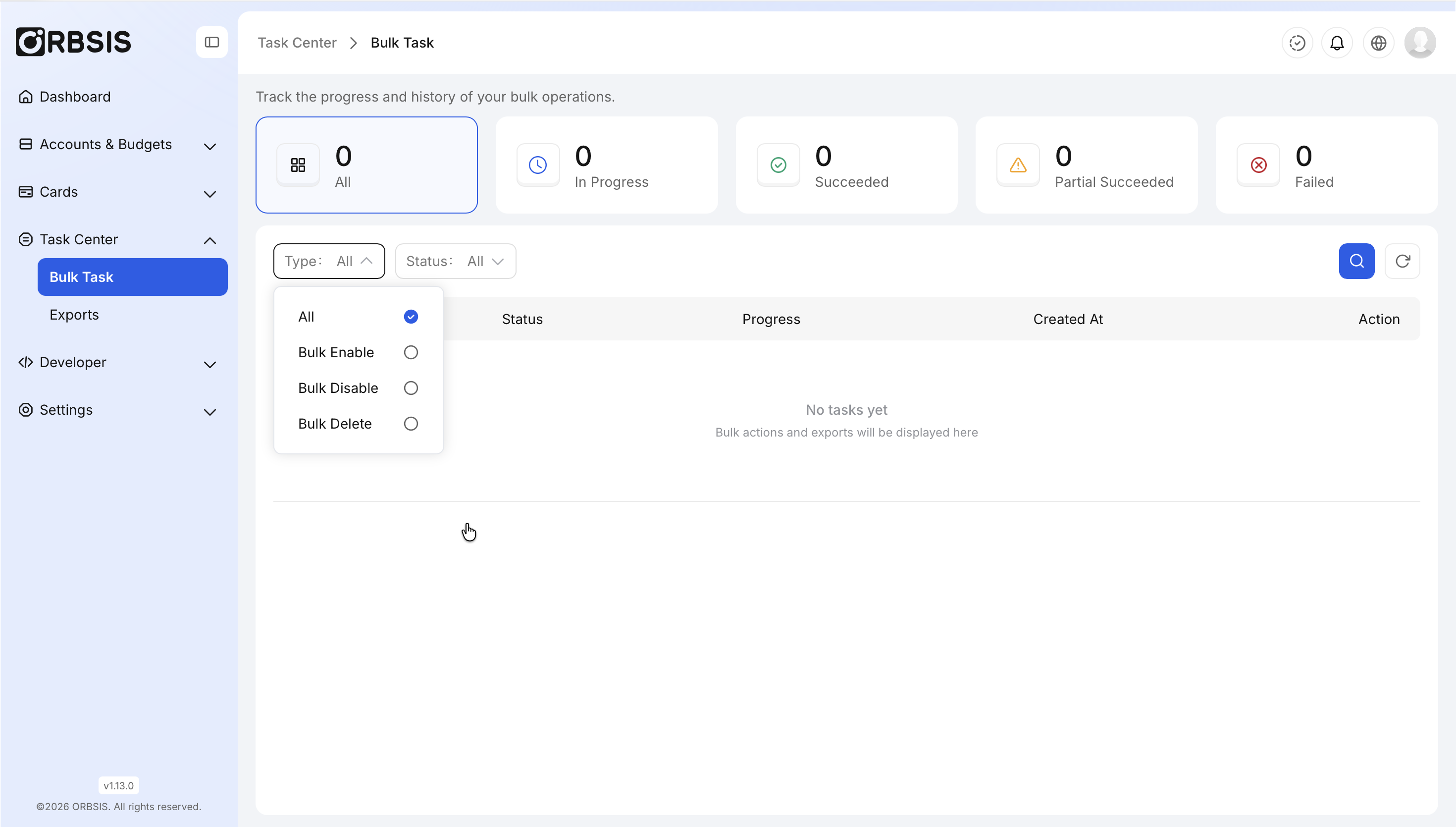
Bulk Task Type Filter
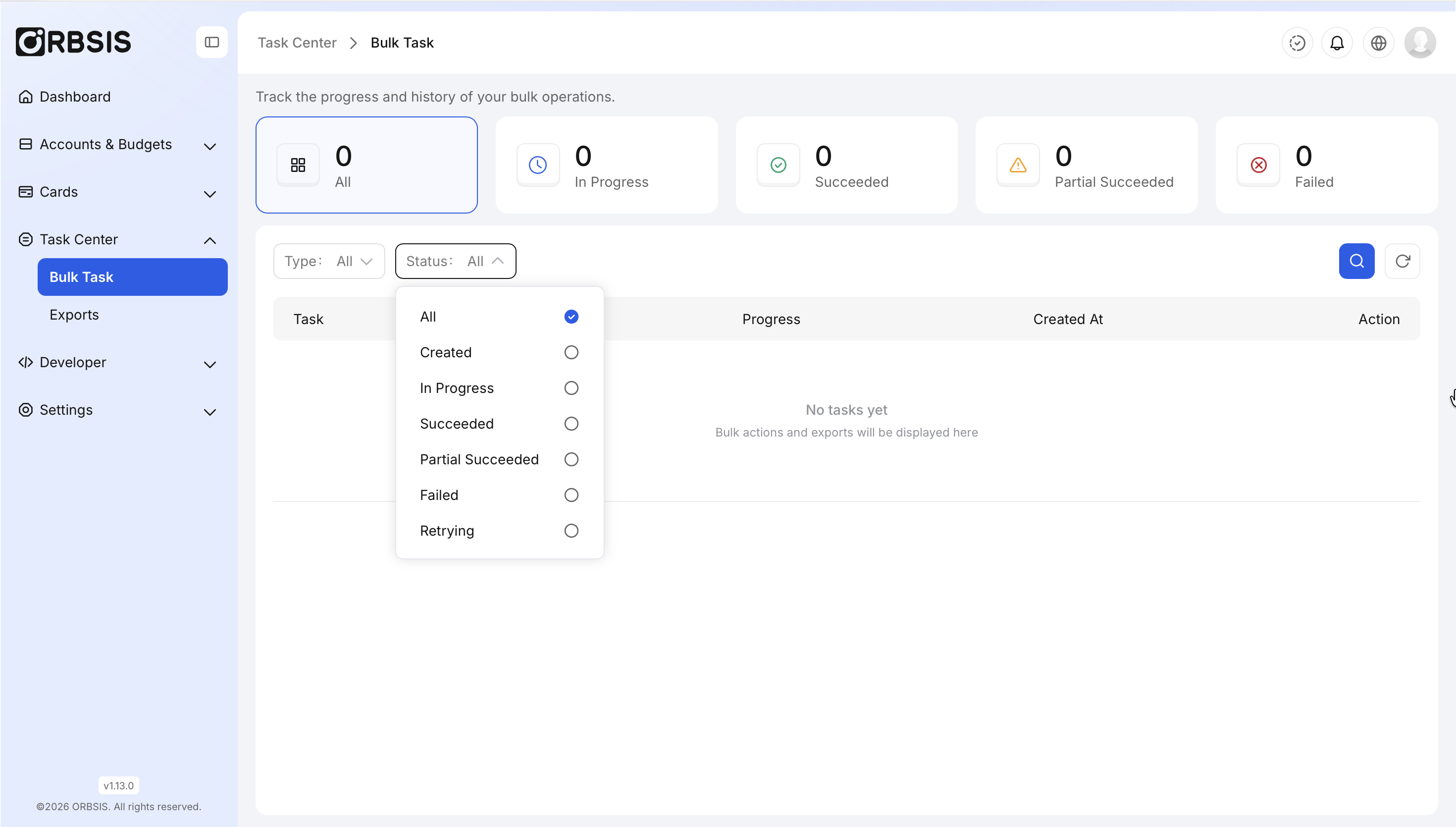
Bulk Task Status Filter
File Exports
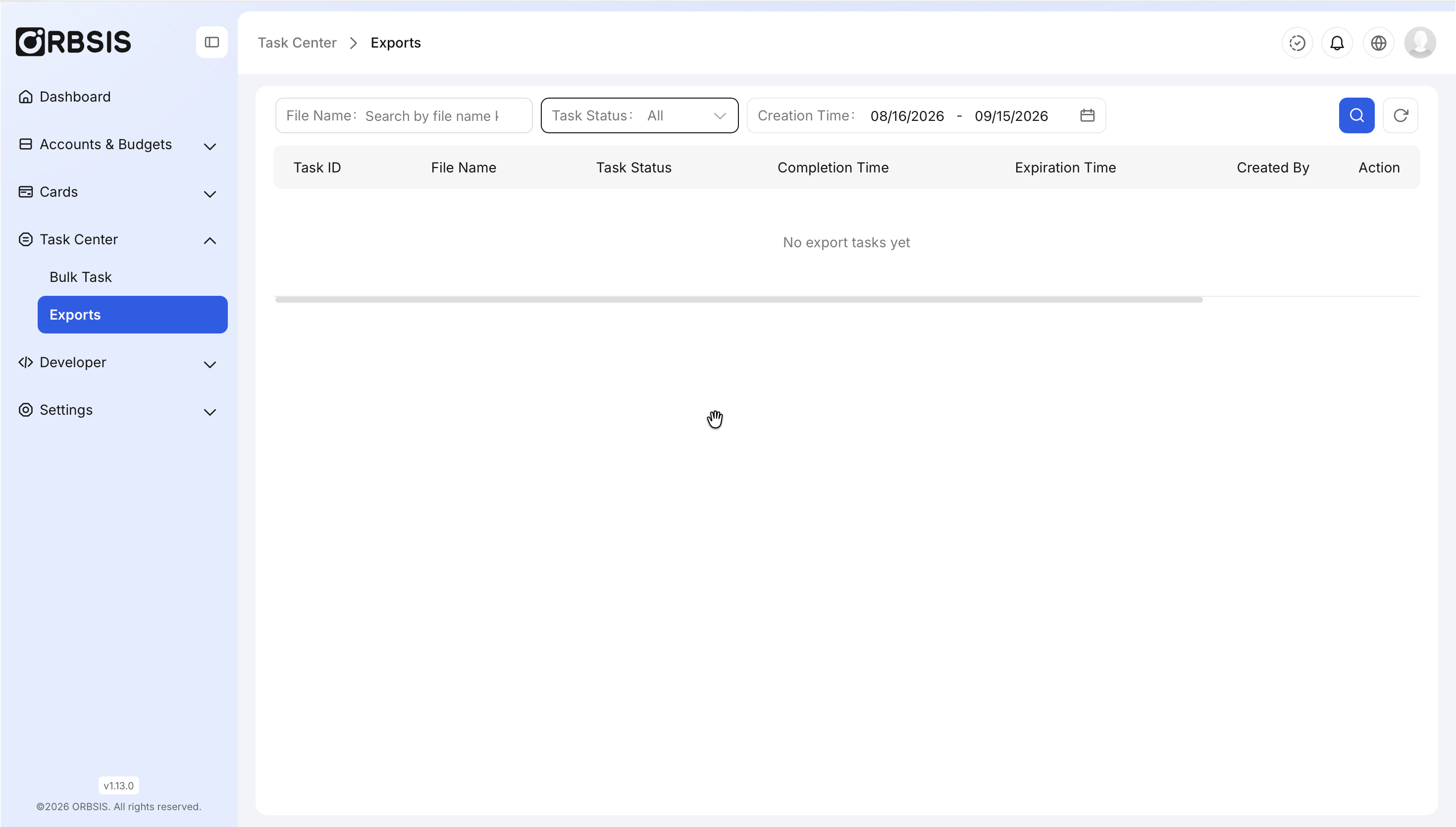
File Export List
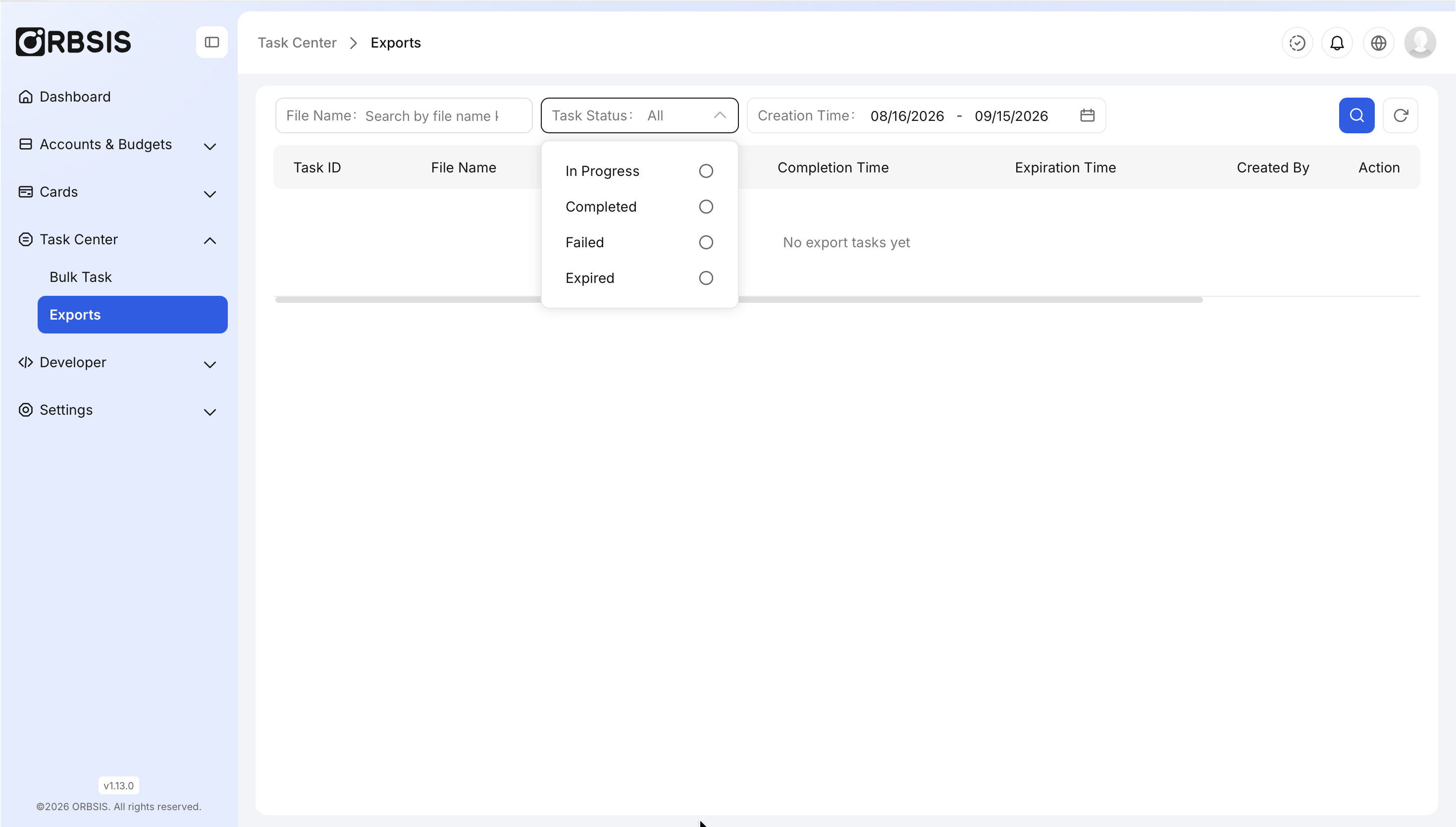
Export Status Filter
Troubleshooting When a task fails, first review the task details or error file. Correct the data and resubmit; do not resubmit an identical task that is still processing.