How do I create a new card?
ORBSIS offers multiple high-quality card BIN ranges for businesses to choose from flexibly. Different BIN ranges are suited to different payment scenarios and business needs. Businesses can select the most appropriate BIN range based on their actual use cases, effectively improving payment success rates.
Card application steps
1. Via the sidebar navigation, click Cards > Create New Card
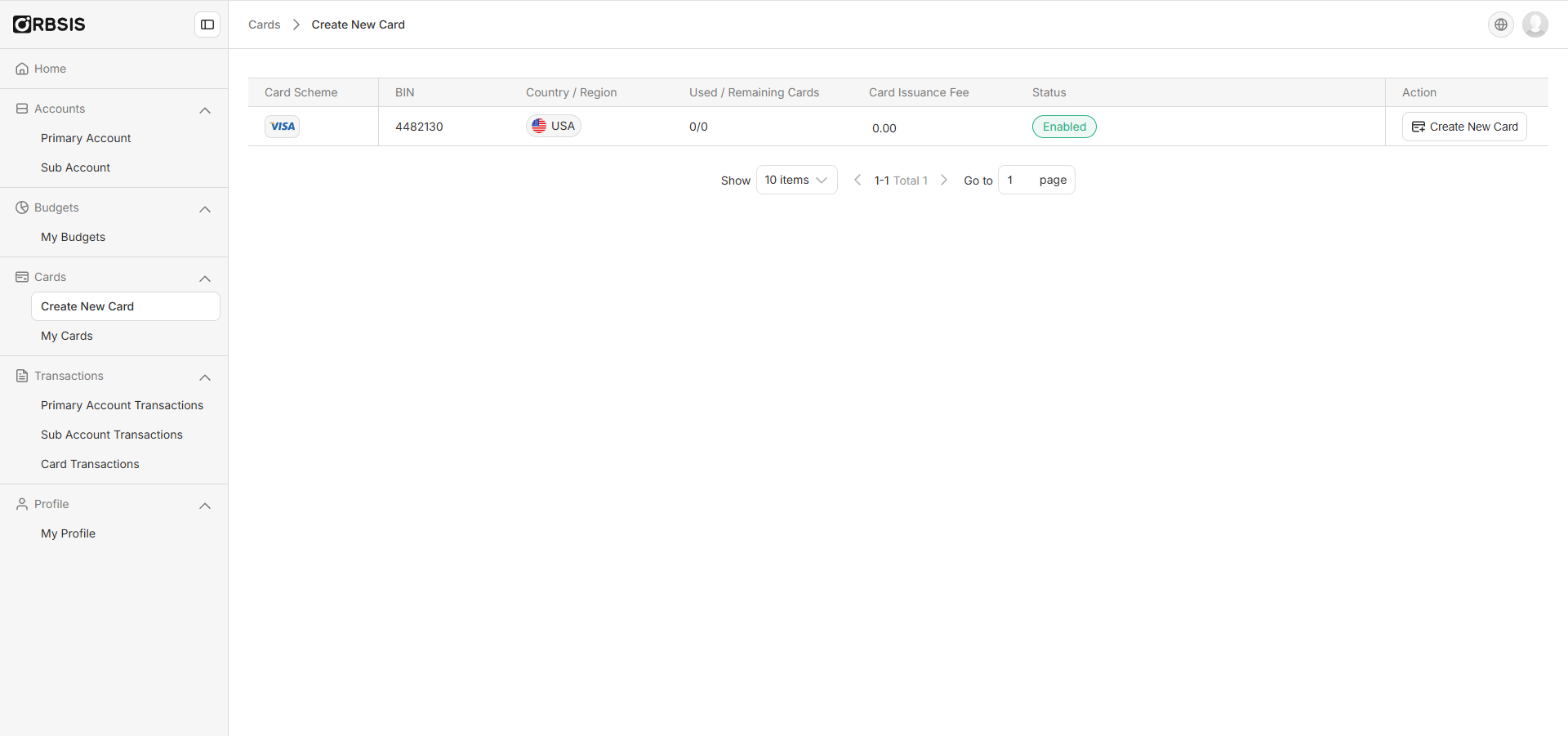
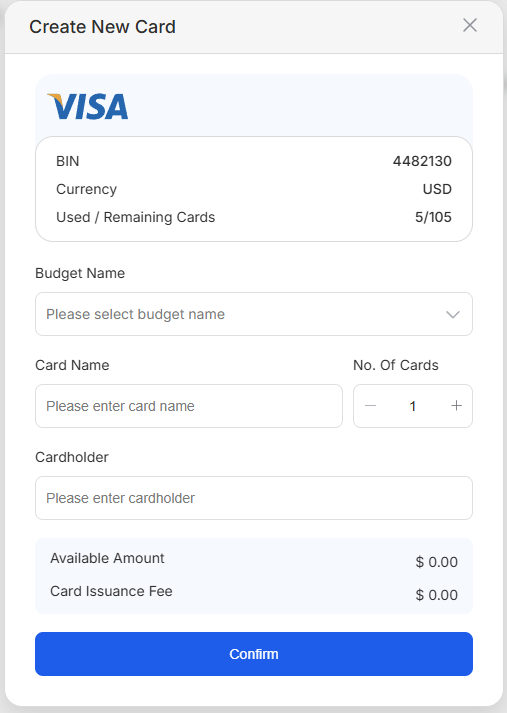
2. Select the associated budget, fill in the card name, quantity, and cardholder name, and confirm the information is correct
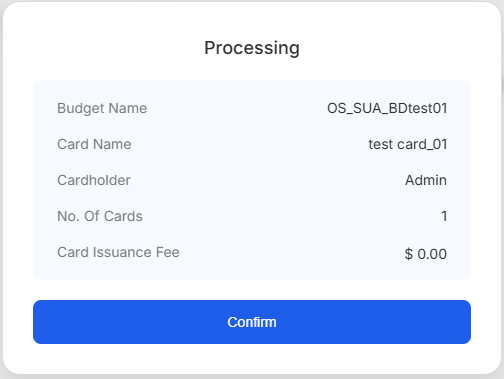
3. After submitting the card application, you will see an application status notification pop-up
4. You can then return to the Card Inquiry page to view the information for the issued cards