How to Make Your First Payment
Registration and Sign-in
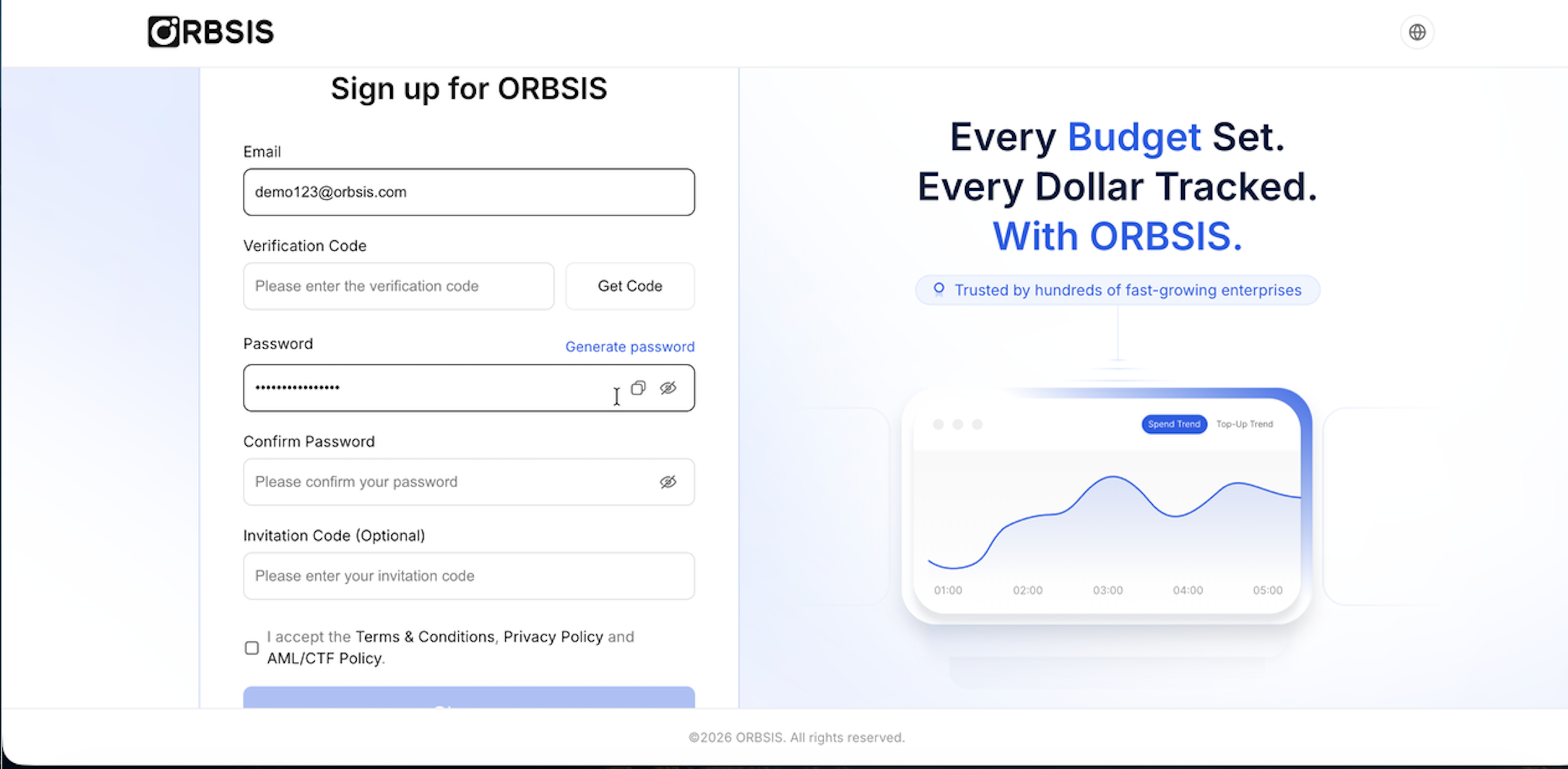
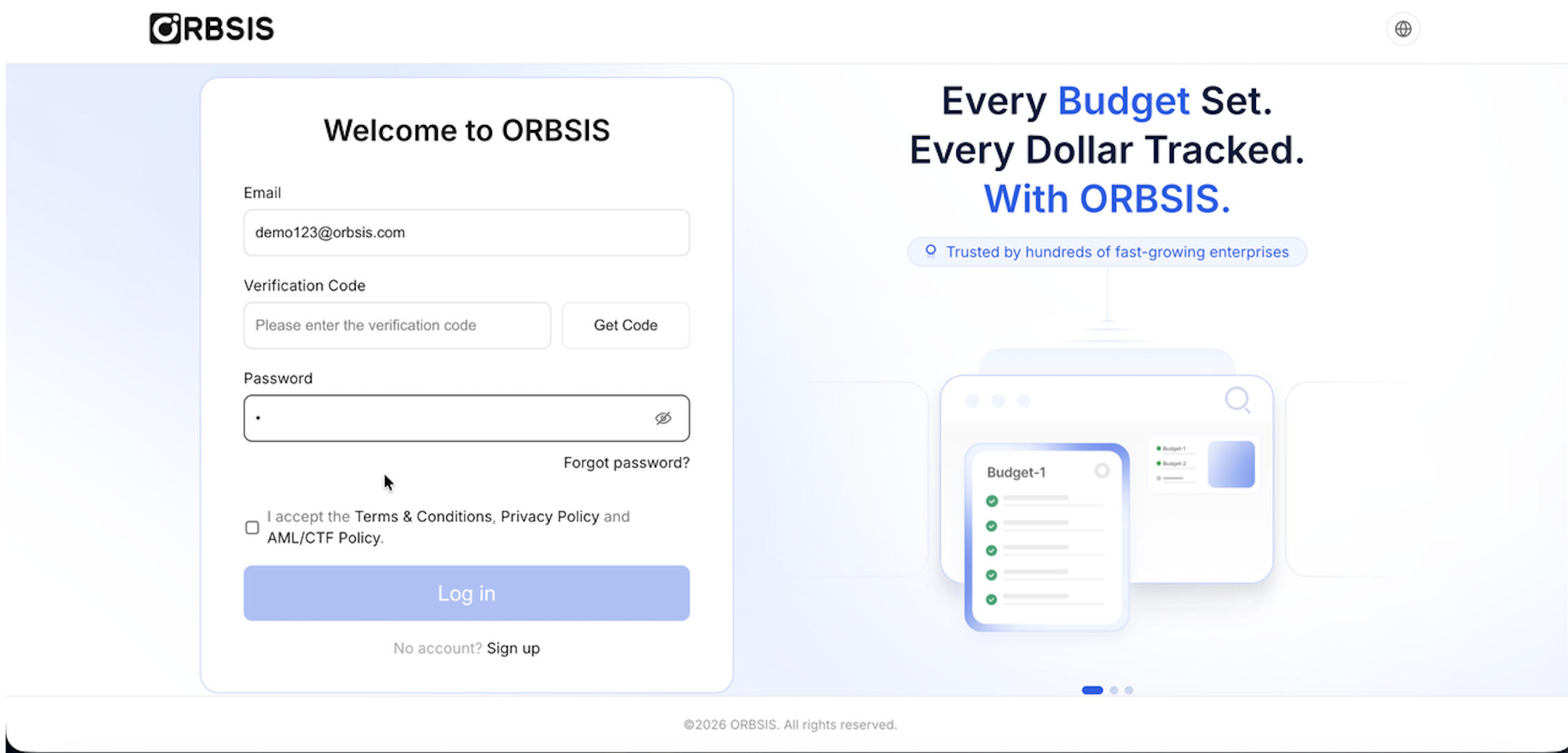
New users must register with a work email. Existing users can sign in with their email verification code and password. White-label customers may see different logos, domains, and primary colors, but the fields and operation sequence are the same.
Enter your email on the registration page, then obtain and enter the email verification code.
Set and confirm your password. If your organization provides an invitation code, enter it as well.
Read and agree to the Terms of Service, Privacy Policy, and Compliance Policy to complete registration.
Return to the sign-in page and enter your email, verification code, and password. If you cannot sign in, use [Forgot Password] to reset it.
Complete Your First Payment
Sign in to the Business Portal and complete the additional verification required by your organization.
Go to [Settings → Entity Information] and confirm that business verification is approved.
Go to [Accounts & Budgets → Primary Account], obtain the funding details, and complete a top-up.
Create a Sub Account and transfer the funds required for this business activity from the Primary Account.
Create a Budget under the Sub Account and set the Budget Limit.
Go to [Card Management → Card Products], select an available BIN, and create a Shared Limit Card or Dedicated Limit Card.
After payment, go to [Card Management → Card Transactions] to check authorization, clearing, refund, and other statuses.
To reconcile transactions, start an export from the transaction list, then go to [Task Center → File Exports] to download the result.
Pre-use Checklist
| Check item | Expected status | If not met |
|---|---|---|
| Business verification | Approved | Provide additional materials based on the return reason or contact Support |
| Primary Account | Enabled and supports the target currency | Confirm product activation and supported currencies |
| Sub-account funds | Available Balance is sufficient to allocate a Budget | Transfer from the Primary Account or release unused Budget |
| Budget | Available Limit exceeds the payment amount | Adjust the Budget Limit or Card Limit |
| Virtual Card | Enabled and not expired | Enable the card, create a new card, or select another BIN |
| Security policy | The verification required by the organization is complete | Bind 2FA or ask an administrator to adjust the policy |