Application and Verification Process
You must complete business identity verification before you can access all features on the ORBSIS platform. Please follow the steps below:
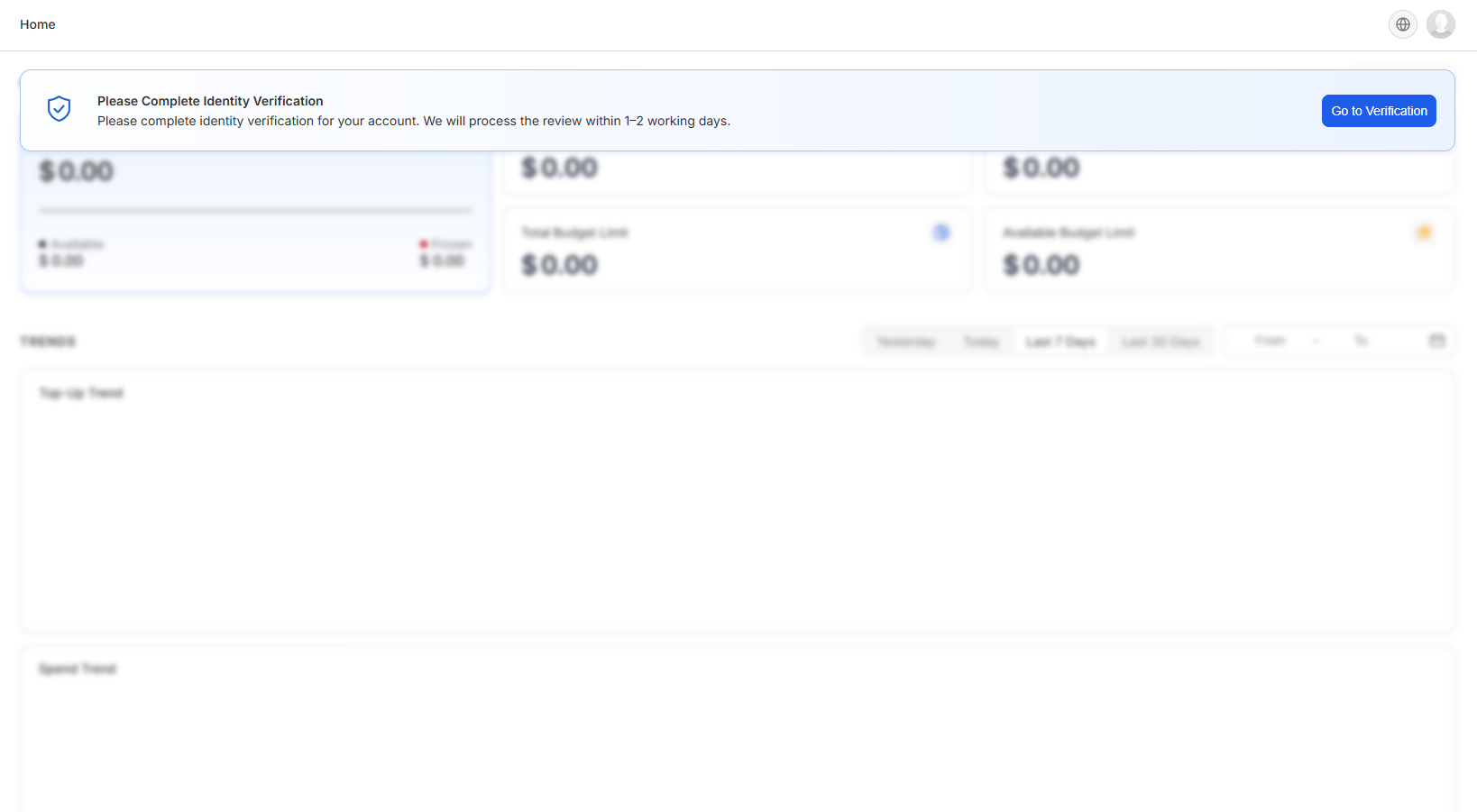
1. After logging in to the ORBSIS platform, the system will display a verification prompt banner at the top of the homepage. Click the [Go to Verification] button to begin the business verification process.
2. Select your company's place of registration. Currently, businesses registered in Hong Kong and the United States are supported. Your selection will determine the type of documents required for submission — please ensure it matches your company's actual place of registration.
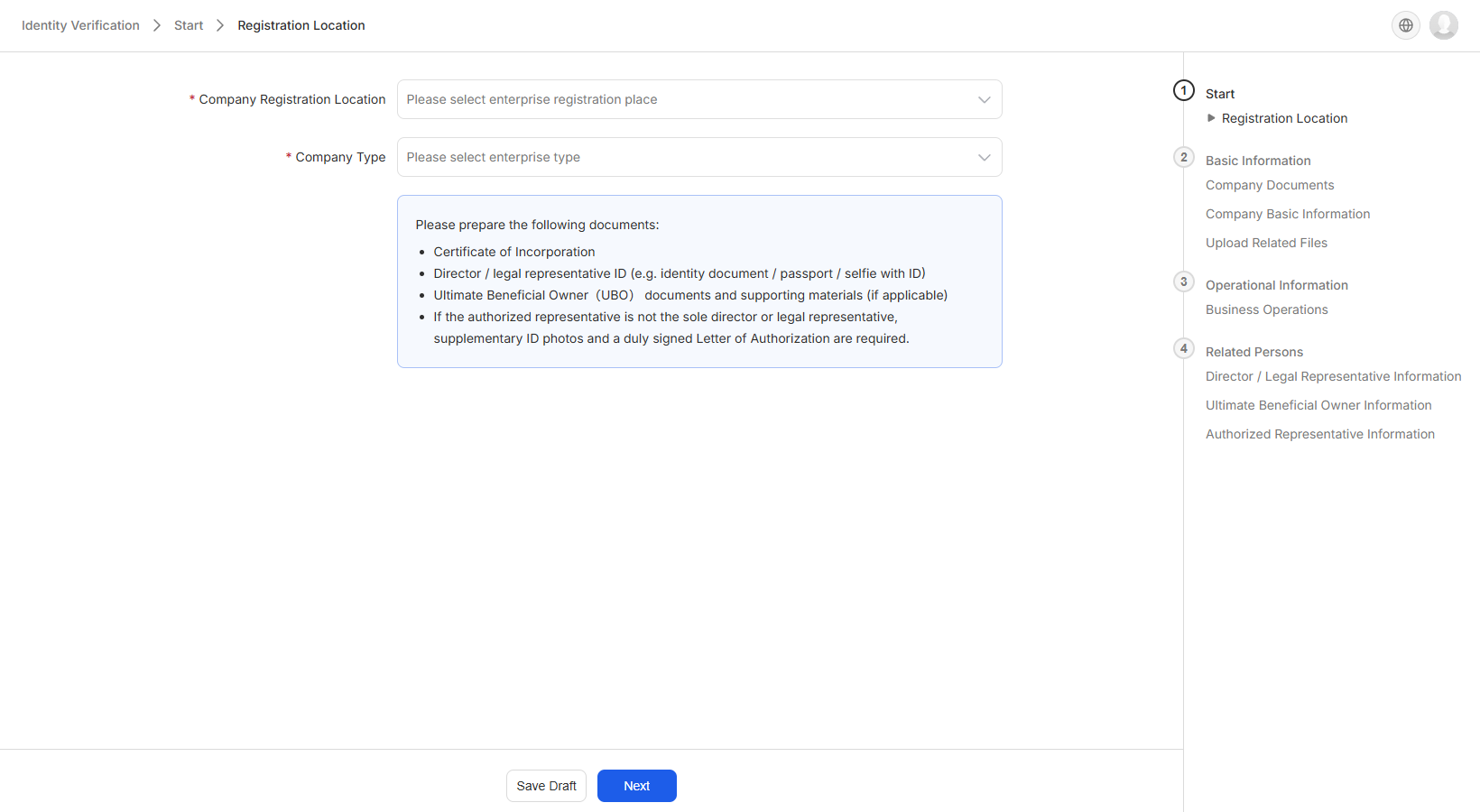
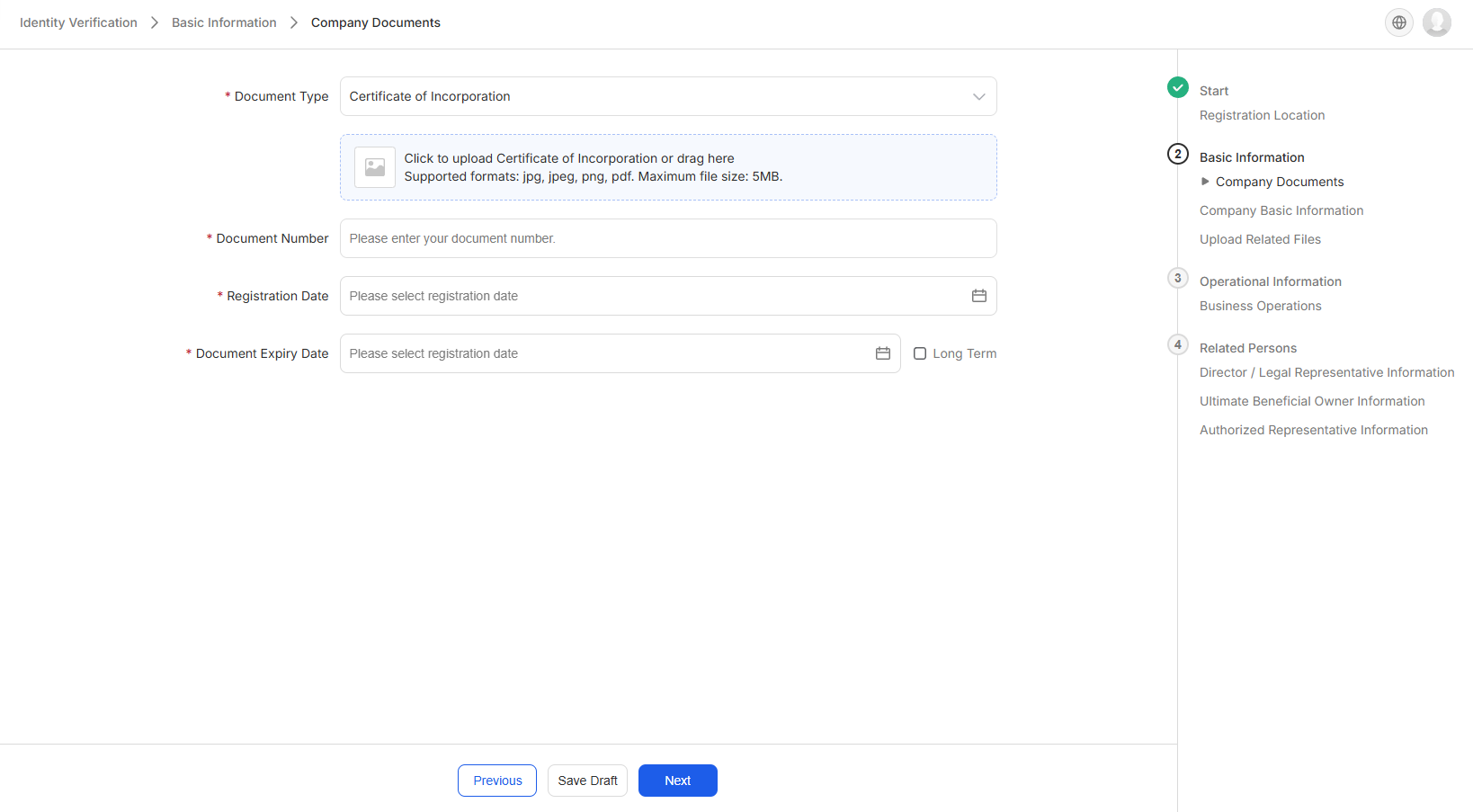
3. Fill in basic information
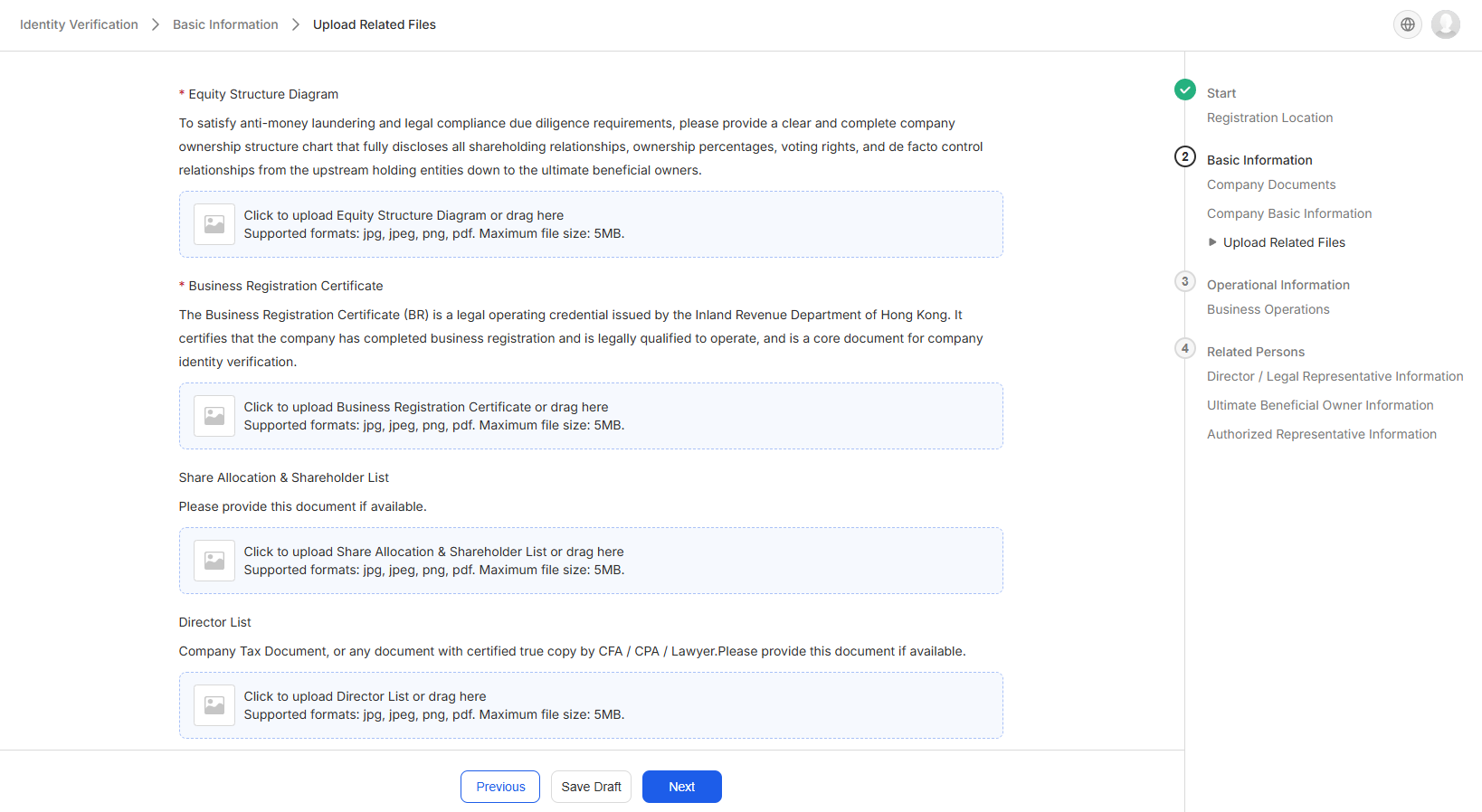
- Upload your business registration documents. Required documents vary by place of registration and business type.
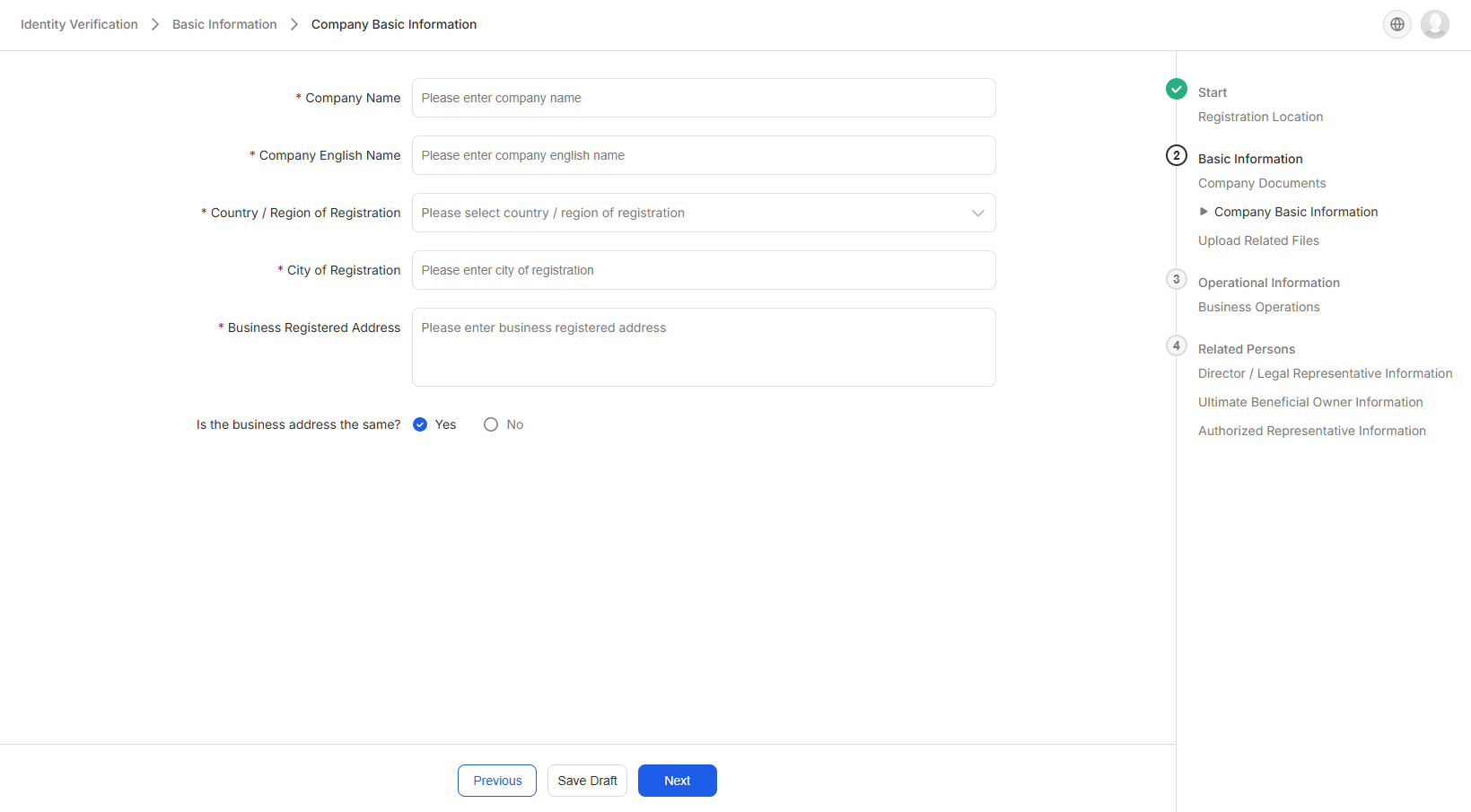
- Fill in your company's basic information, including company name, registered address, business address, and business type. Please ensure the information matches exactly what is stated on your registration documents.
- Upload the shareholding structure chart and Certificate of Good Standing. If available, shareholding percentage proof, director list certification, and articles of association are also recommended.
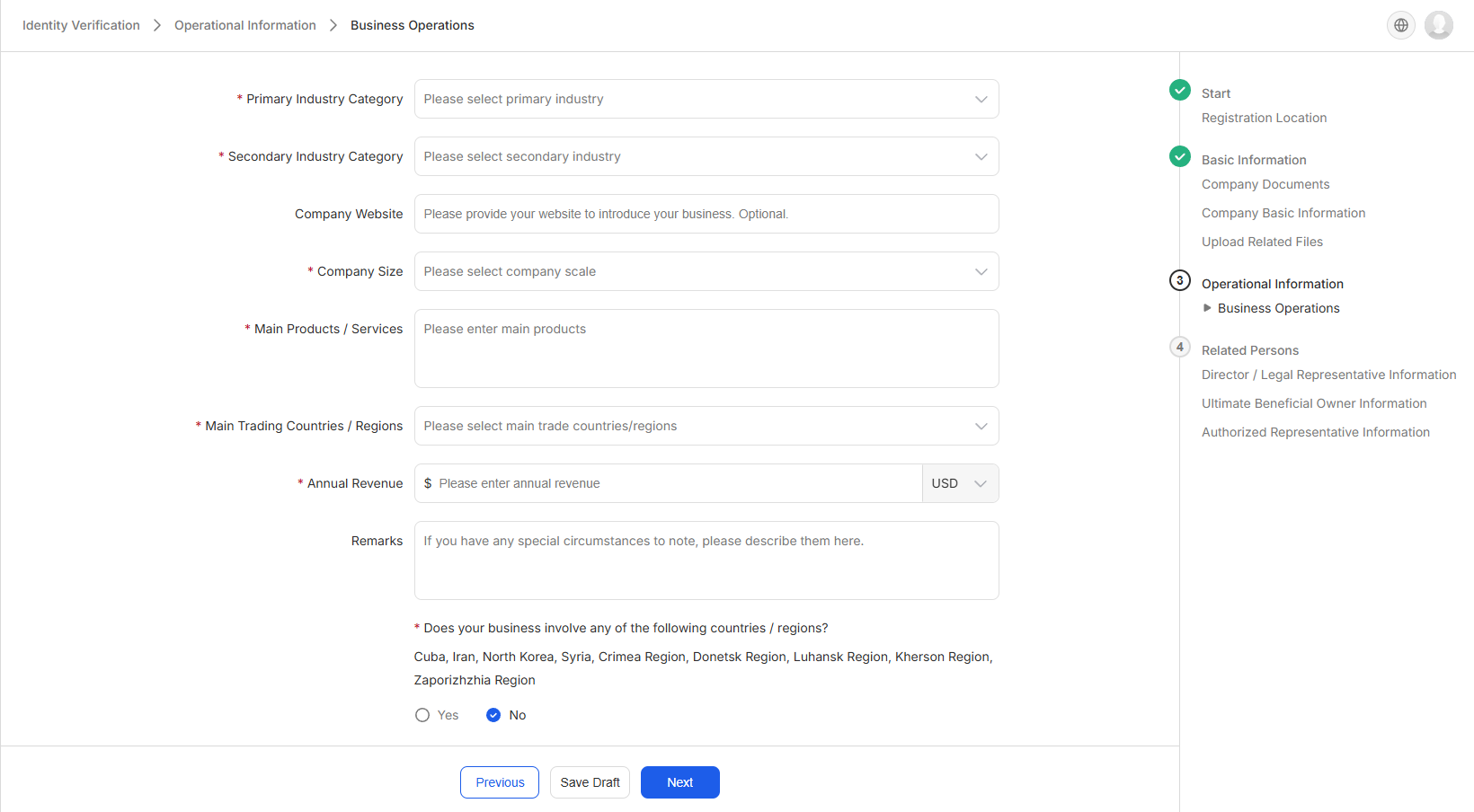
4. Fill in your company's business-related information, including main business activities, annual revenue, and primary countries/regions of trade. This information will be used to assess the compliance of your business activities and the legitimacy of your fund usage — please provide accurate information.
5. Fill in information for relevant personnel
- Fill in the names, nationalities, and ID document information of the company's directors.
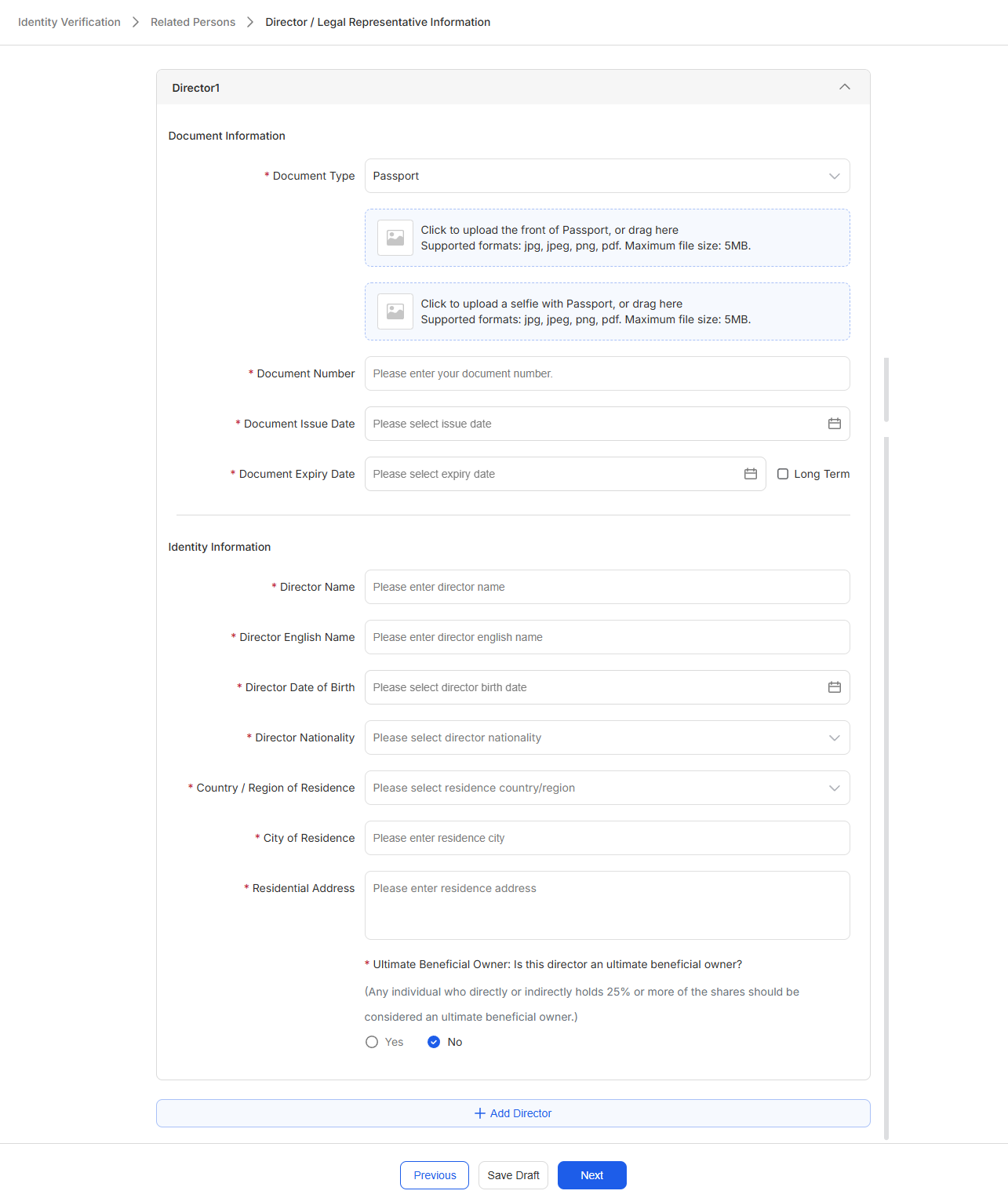
- Fill in information for individuals who directly or indirectly hold 25% or more of the company's shares or voting rights. If no such beneficial owner exists, follow the on-screen instructions.
- If the user completing the verification is not the sole director or legal representative of the company, fill in the authorizer's details and upload the letter of authorization.
6. Once all steps are completed, confirm the information is correct and click Submit.
💡 Before submitting, carefully verify that all filled-in information matches the details on your documents. Information inconsistencies are the most common reason for applications being returned. If you encounter any issues during the verification process, please contact the ORBSIS customer service team for support.